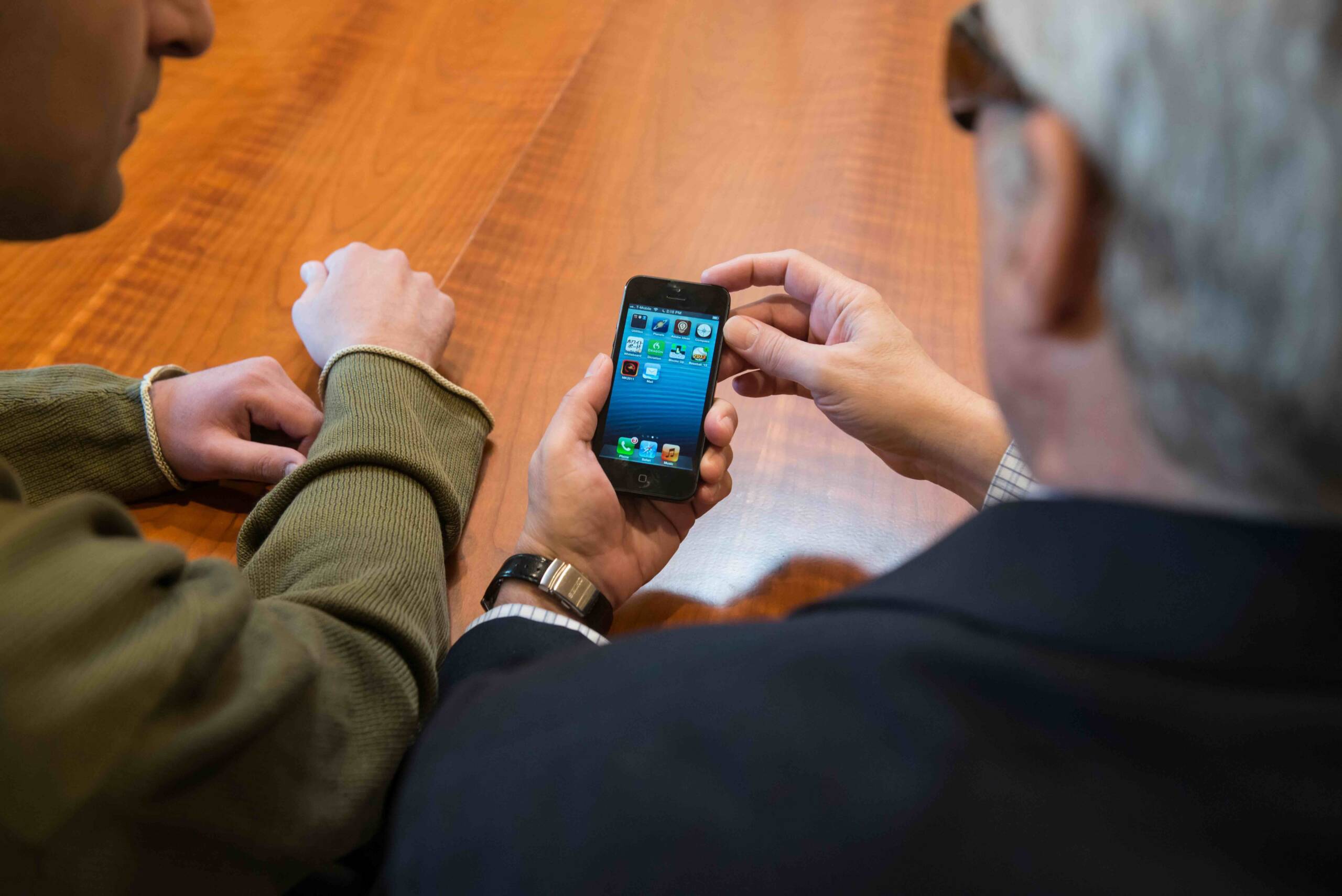
Staying in touch with loved ones is one of the most meaningful parts of life. Whether it’s a phone call to check on a grandchild, a video chat with a close friend, or sending a quick message to a neighbor, communication is what keeps us connected. But for people who experience both significant hearing and vision loss, those connections can become difficult—even impossible—without the right equipment.
iCanConnect is a nationwide program that makes sure those connections don’t have to be lost. Funded by the Federal Communications Commission (FCC), iCanConnect officially called the National Deaf-Blind Equipment Distribution Program (NDBEDP) provides free telecommunications equipment to people who are deafblind and meet the eligibility requirements. Just as importantly, the program also provides training and support so participants can use the equipment with confidence.
This guide walks through how iCanConnect works, who qualifies, what the application process looks like, and what kinds of equipment may be available. It also shares real-life examples of how people have used iCanConnect to stay connected with the people who matter most to them.
Who Is Eligible for iCanConnect?
Eligibility is based on two main factors: disability and income. To participate, applicants must have both significant hearing and vision loss and fall within the income guidelines set by the program.
Disability Requirements
A professional—such as a healthcare provider, educator, rehabilitation counselor, or vision/hearing specialist—must verify that the applicant’s hearing and vision loss meet the program’s definition.
- Vision loss may qualify if the person’s best corrected vision is 20/200 or worse in the better eye, if their visual field is limited to 20 degrees or less, or if they have a progressive condition expected to reach those levels.
- Hearing loss may qualify if speech cannot be understood even with amplification, or if a progressive hearing condition is expected to reach that level.
Income Requirements
Household income must be at or below 400% of the Federal Poverty Guidelines. For example, in 2025, a one-person household qualifies if income is below $62,600. For a family of four, the limit is $128,600. (The amounts are slightly higher in Alaska and Hawaii.)
There are two ways to prove income eligibility:
- Show current enrollment in a federal program with the same guidelines, such as Medicaid, SSI, SNAP, or Section 8 housing assistance.
- Provide documentation showing total household income is within the published limits.
How the Application Process Works
Applying to iCanConnect is straightforward, but each step matters.
- Find your state contact. iCanConnect is available in every state, the District of Columbia, Puerto Rico, and U.S. territories. Each local program has staff who can guide applicants and answer questions.
- Submit an application. Applications usually require personal information, proof of income, and verification of hearing and vision loss from a qualified professional. Many state programs provide downloadable forms online.
- Assessment. If approved, the applicant meets with an iCanConnect professional for an individualized assessment. This is where the program learns about the person’s needs, current abilities, and the types of communication they want to use.
- Receive equipment and training. Based on the assessment, equipment is provided along with training to help the participant use it confidently.
The program is designed to be supportive, not overwhelming. Local staff understand the challenges that come with combined hearing and vision loss and work to make the process as smooth as possible.
What Equipment Does iCanConnect Provide?
The focus of iCanConnect is distance communication—tools that help people stay connected to family, friends, and their communities. The equipment provided is tailored to each person’s needs and abilities.
- Phones – Amplified or large-button phones that make it easier to dial numbers and hear conversations.
- Mobile Devices – Tablets and smartphones that allow video calls, text messaging, and email.
- Computers – Desktops or laptops with accessibility features such as large monitors or screen readers.
- Braille Devices – Refreshable braille displays and multipurpose devices for those proficient in braille.
- Software – Screen readers or screen magnifiers to make digital content accessible.
- Signalers – Audible, visual, or vibrating devices that alert users to incoming calls or messages.
- Accessories – Specialized keyboards, mounts, switches, or headsets that make devices easier to use.
It is important to note that while iCanConnect provides specialized equipment, software, and accessories to support distance communication, the program does not cover the cost of ongoing service plans such as cellular or internet service. For example, a participant might receive a braille display, screen reader software, or other accessibility tools that work with a computer, tablet, or phone, but the service itself must be arranged separately with a provider.
In addition, iCanConnect does not provide training for general computer use, braille instruction, or mobile phone basics. The training that is offered is limited to helping participants set up and begin using the specific equipment provided through the program.
Real-Life Examples: How iCanConnect Helps
The impact of iCanConnect is best understood through the experiences of people who use it. These stories show, in everyday life, how the right equipment can bring back independence and meaningful connections.
- An older woman regaining her voice. For years, she relied on the telephone to stay in touch with her children. But as her vision worsened, she could no longer see the small numbers on the keypad. Dialing became impossible, and her once-frequent conversations stopped. Through iCanConnect, she received a phone with extra-large buttons and amplification features. Suddenly, she could make calls again without frustration. The first call she placed was to her daughter, who lived across the country. “I feel like I have my voice back,” she shared.
- A young boy bridging the distance. Living in one state while his grandparents lived in another, this boy wanted to stay close to them despite his hearing and vision challenges. iCanConnect provided a tablet with accessibility features tailored to his needs. With it, he could join video calls and send simple messages. Now, he talks with his grandparents regularly, sharing stories about school, showing them his drawings, and laughing at their jokes. For him, the device is more than technology—it is a bridge to family bonds.
- A middle-aged man staying connected with friends. As his hearing and vision loss progressed, he found it harder to answer calls or respond quickly to texts. His local iCanConnect program matched him with a vibrating signaler and a smartphone with screen magnification software. The signaler let him know instantly when a message arrived, and the smartphone allowed him to keep in touch with his circle of friends. “It’s not just convenience, it’s belonging,” he explained.
The heart of iCanConnect is simple: providing the right tools so people can continue sharing everyday moments with family and friends.
Tips for Getting Started
For those considering an application, a few steps can help make the process smoother:
- Prepare documentation in advance. Collect proof of income and ask a professional for verification before starting the application.
- Reach out early. Your local program contacts are there to help. They can answer questions about eligibility, forms, or equipment, and often assist with gathering the necessary documentation and filling out the application itself. Don’t hesitate to rely on them as a resource throughout the process.
- Be specific about needs. During the assessment, share how you want to communicate and what challenges you face. This helps the program contact recommend the right equipment.
- Stay in touch. Technology updates frequently, and iCanConnect’s equipment list changes quarterly. Staying connected with your local program contact ensures you know about new tools that may help.
Where to Find More Information
You can find everything you need to get started right here on the iCanConnect website. This includes eligibility guidelines, downloadable applications, and a directory of local program contacts who can help you through the process. The site is also updated regularly with the latest information about available equipment and participant stories that highlight how the program is making a difference.
For the most current income guidelines, the U.S. Department of Health and Human Services publishes Federal Poverty Guidelines each year, which are used to determine income eligibility.
Because iCanConnect is federally funded and overseen by the FCC, you can be confident that the program is consistent, transparent, and fair no matter where you live in the United States.
Why iCanConnect Matters
Communication is a lifeline. It allows people to share daily joys, stay informed about important events, and feel part of a community. For people who are deafblind, losing that connection can lead to isolation. By providing free equipment and training, iCanConnect removes the financial and technical barriers that stand in the way.
Taking the Next Step
If you or someone you know has both significant hearing and vision loss and meets the income guidelines, iCanConnect may be able to help. The first step is to contact your local program contact. They can guide you through eligibility, help with the application, and schedule an assessment once your paperwork is complete.
With iCanConnect, staying connected is not out of reach. The right equipment, paired with personalized training, can open doors to family conversations, friendships, and community. Everyone deserves that connection—and with iCanConnect, it’s possible.
Resources
If you’d like to learn more or take the next step, these pages can help:
Equipment Information – Explore the types of distance communication equipment that may be available through the program.
Find Your Local Program Contact – Look up the iCanConnect contact in your state or territory. Local contacts can answer questions, help with applications, and guide you through the process.
Eligibility Overview – Review the full eligibility requirements, including disability and income guidelines.
Phone number to call iCanConnect: 800-825-4595Or visit our Contact Us page: https://www.icanconnect.org/contact-us/